 A4 Front Page Studio
How to Send Photos Without Losing Quality (WhatsApp, Email and More)
If a photo looks sharp on your phone and soft on your friend's, the app compressed it on the way. Messaging apps do this on purpose to save data. It is fine for casual sharing, but not when the person needs the picture for printing or for a form.
Why quality drops
Apps like WhatsApp reduce the pixel size and quality of photos sent as normal pictures, so that they travel faster on slow networks. Each time a picture is forwarded or saved again, it can be compressed once more. Social media apps do the same. The original on your phone stays untouched, but the copy that arrives is smaller and softer.
Send as a document or file
Most messaging apps let you attach an image as a document or file instead of a photo. The app then sends the original bytes without recompressing. The receiver sees a file icon rather than a preview, and can open or save the full-quality picture. Use this whenever the photo will be printed or used as proof.
Use email for important images
Email attachments are sent as they are. The practical limit is the total size of the message, commonly around 20–25 MB, depending on the service, so sending ten full-size phone photos may be too much. Send a few at a time, or put them in a ZIP file.
Use a cloud link for many or large files
Upload the photos to a cloud storage folder and share a link. The receiver downloads the originals, and you avoid email size limits. Set the link so that only people you choose can open it, particularly for ID photos and documents.
When you should shrink a photo on purpose
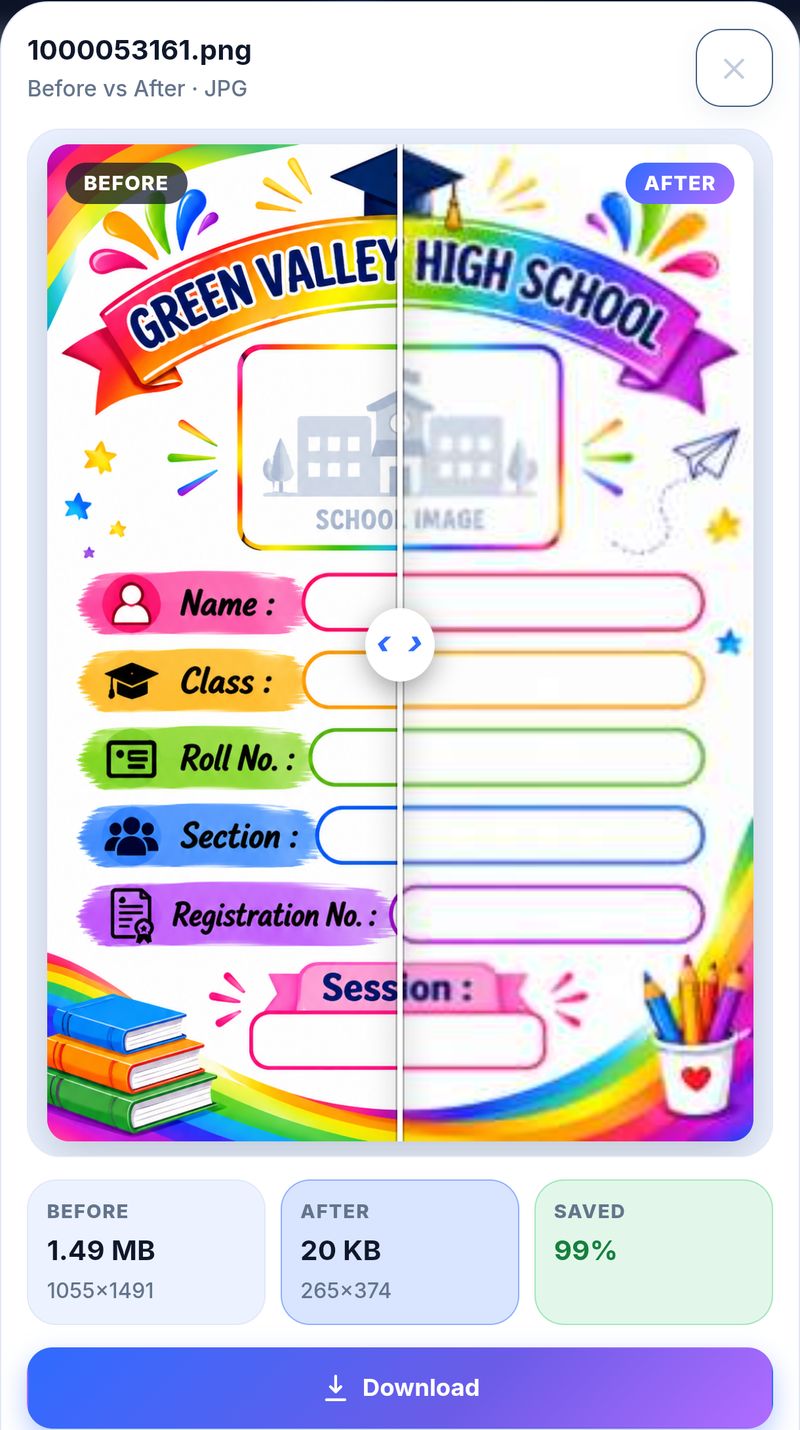
Sometimes smaller is correct: a form with a 100 KB limit, a profile picture, or a website image. In those cases, resize and compress a copy with Reduce Image Size in KB, and keep the original untouched. Shrink only to the size you need, because you cannot restore detail afterwards.
A quick rule of thumb
- Need to print it or prove something with it: send as a document, or by email or link.
- Just showing a friend: a normal photo message is fine.
- Uploading to a form: make a resized copy to the form's limits.
- Keep one original of anything important in a safe place.
Which sharing method keeps the most detail
Quality is lost mainly when an app recompresses the photo to save data. Chat apps often do this by default, so a sharp photo can arrive smaller and softer. Most of them let you send the same picture as a document or file, which usually keeps the original untouched, though the file takes longer to send and uses more data.
Email is different. It normally keeps the attachment as it is, but many mail services limit the total attachment size to roughly 20 to 25 MB, so a handful of full-size phone photos can already be too big. If that happens, send a shared album or a cloud link instead of squeezing every picture.
Two habits protect quality. First, never send a screenshot of a photo when you can send the photo itself, because a screenshot is a copy of a copy at screen resolution. Second, do not keep saving and re-sending the same JPG through several apps. Each round of compression removes a little more detail. Keep one original in your gallery and share copies from it.
If a form only needs a small file, resize a copy for that purpose and leave the original alone.
Quick answers
Does sending as a document use more data?
Yes, because the full-size file is sent. On mobile data, use Wi-Fi for large files.
Do screenshots keep quality?
A screenshot is only as sharp as your screen, and it is usually lower in pixels than the original photo. Share the original instead.
Why is the photo I downloaded from a chat so small?
The app saved its compressed copy. Ask the sender to resend it as a document.