 A4 Front Page Studio
Assignment Front Page Design: What to Include and How to Make It
The front page is the first thing your teacher sees, and a tidy one tells them you took the assignment seriously. It does not need to be fancy. It needs the right details, in a clear order, with a clean layout that prints well on A4. This guide covers what to put on an assignment cover for school and for college, how to arrange it, and the small mistakes to avoid.
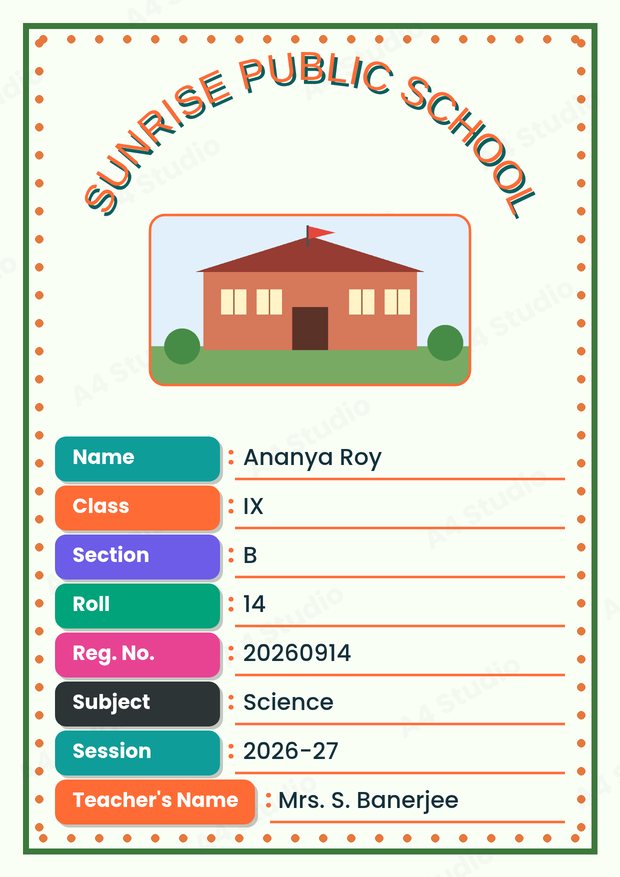
What to include
- Assignment title and subject, in the largest type on the page.
- Your name and roll or ID number.
- Class and section for school, or course, semester and department for college.
- Submitted to: the teacher or professor’s name.
- School or college name and, if asked, the session or date of submission.
School and college: what changes
| School assignment | College assignment | |
|---|---|---|
| Top of the page | School name and logo or picture | University or college and department |
| Identity | Class, section, roll number | Course code, semester, student ID |
| Tone | Colourful is fine if it stays tidy | Plain and formal |
| Extra lines | Session, teacher name | Submission date, professor, group members |
A layout that always works
Put the institution name at the top, the assignment title in the middle in large type, and the details block in the lower half. Keep one alignment, either centred or left, and leave generous margins so nothing is cut off when printed. Use at most two fonts: one for the title and one for the details.
Making it in the tool
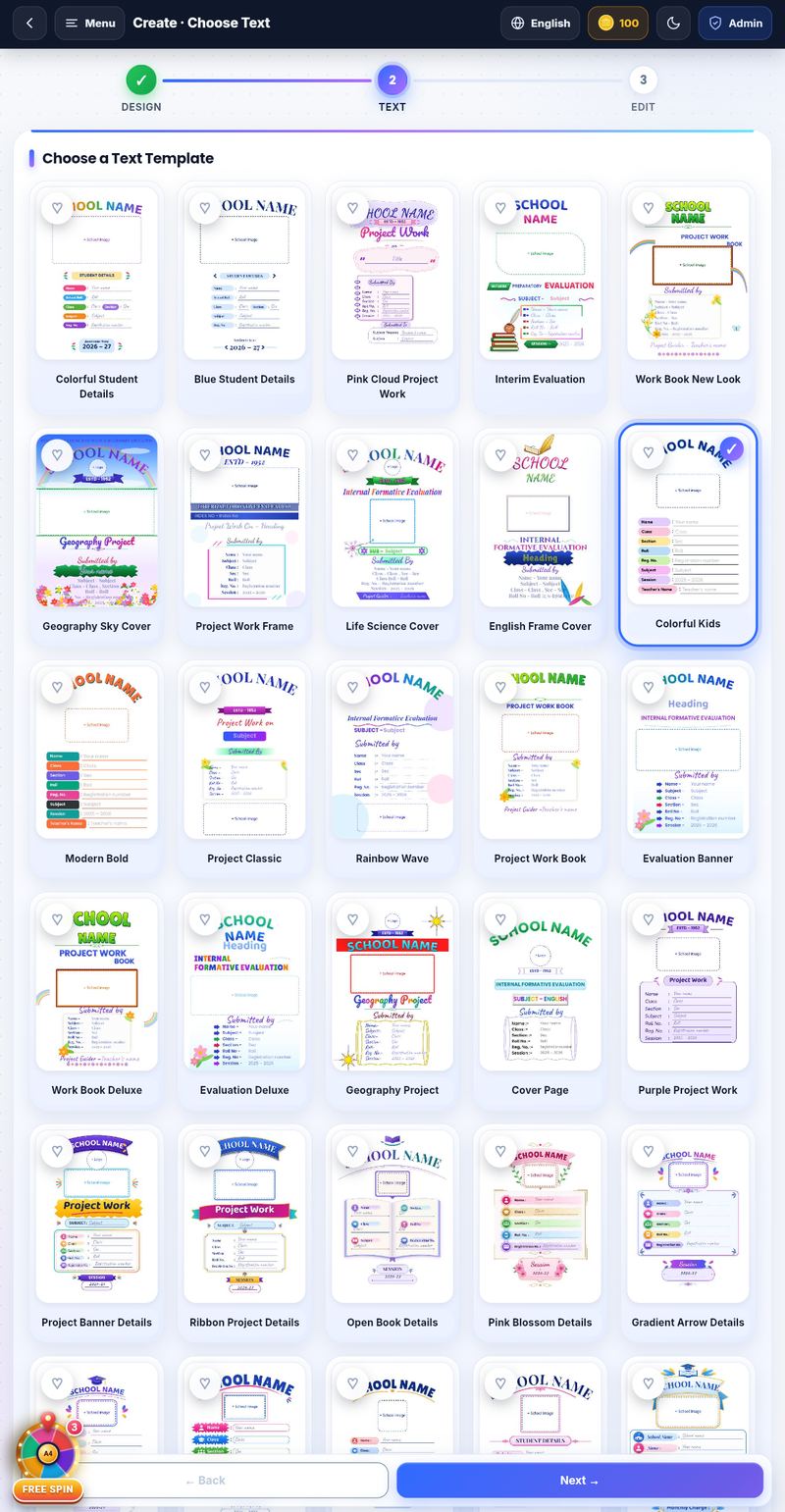
Open the A4 Front Page Studio, pick a design, type your details and watch the page update as you type. When you are happy, download it as a PDF or PNG, or print it directly. If a whole group needs matching pages, the Batch option can make many from a list. Our guide on printing an A4 front page correctly helps avoid cut-off edges.
Mistakes to avoid
- Too many colours or decorations that distract from the title.
- Tiny text for the details, which is hard to read on paper.
- A vague title such as “Assignment” instead of the actual topic.
- Forgetting the roll number, class or teacher name.
Tips
- Check your school or college for a required format before designing.
- Use dark text on a light background for the best print result.
- Save a PDF copy so the layout never shifts on another device.
Common questions
What should be on an assignment front page?
The title, subject, your name, roll or ID, class or course, the teacher’s name and the institution. Add the date or session if asked.
Can I make an assignment front page for free?
Yes. A4 Front Page Studio is free, needs no account and lets you save as PDF or PNG.
Should an assignment cover be colourful?
For school, some colour is fine if the page stays neat. For college, keep it plain and formal.
What size should the front page be?
A4, which is 210 x 297 mm. The tool uses this size so it prints correctly.
Open the free A4 Front Page Studio →
Building a clear layout step by step
A good assignment front page works because the reader finds the important details in a few seconds. Start with a hierarchy: the assignment title is the largest element, the subject and course come next, and your personal details such as name, roll number and class go in a smaller, evenly spaced block. If your teacher is named on the cover, place the name near your details, not in a distant corner.
Use alignment to create order. Centre everything or align everything to the left, but do not mix both. Leave generous white space around the title, since a crowded page looks untidy even when each part is neat. Keep to one or two fonts and choose colours with strong contrast so the page prints clearly.
Check the requirements first. Some teachers want a specific order of information, a logo or a date, and following the instructions is more important than the design. Use the same details on every page you submit so that your assignments look consistent.
Finally, proofread. Check the spelling of the subject, your teacher's name and your own name, and print one test copy if you have time. A small error on the cover is easy to fix before printing but expensive afterwards.