 A4 Front Page Studio
A Portal Rejected My PDF: What to Check and How to Fix It
An upload that fails with a vague message is frustrating, especially close to a deadline. The cause is almost always one of a short list of problems. Work through them in order, because the first two fix most cases.
1. Check the file size against the limit
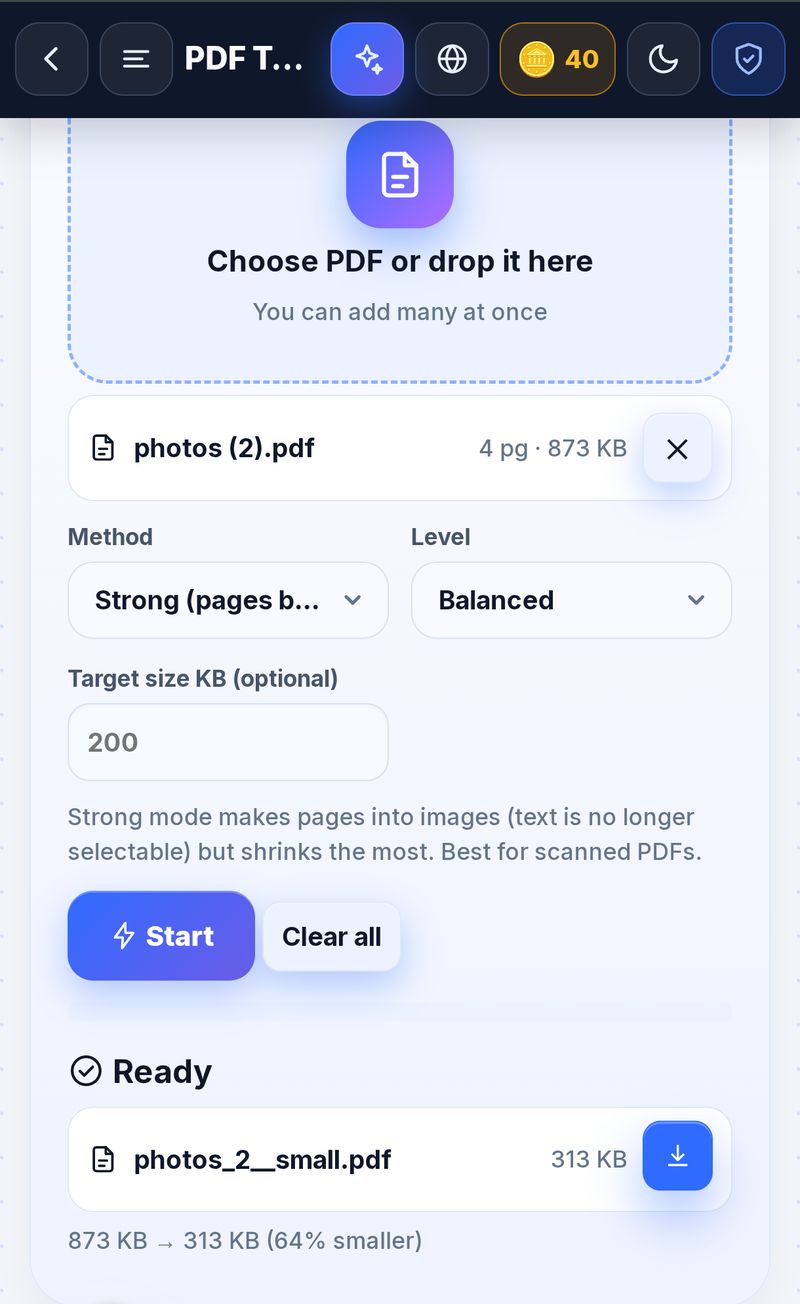
Look at the size of your file in KB or MB and compare it with the limit on the form. Remember that 1 MB is about 1,000 KB, so a 2 MB file is far above a 200 KB limit. If the size is too large, compress the file and aim a little under the limit, for example 180 KB for a 200 KB rule. Our target-size section on Compress PDF explains realistic targets.
2. Reduce the number of pages
A long scan will rarely fit a small limit. Ask whether the form needs every page. If it needs only the first and last page of a document, extract just those. Fewer pages also make the file easier for the reviewer to read.
3. Look at the scan quality
Scans made at very high resolution are large. Rescan at a moderate setting, and use grayscale for pages that are only text. Compressing a huge scan hard enough to fit a tiny limit often makes text blurry, whereas rescanning at a sensible resolution keeps the text clear.
4. Remove passwords and restrictions
A password-protected PDF, or one that blocks copying and printing, can be refused by an automatic checker. If you are allowed to, save an unprotected copy. Never remove protection from a document that is not yours.
5. Check the format the form asks for
Some portals want a PDF, some want JPG and some want both for different fields. A PDF that was created by renaming an image file is not a real PDF and can fail. Create it properly with JPG to PDF. In the other direction, PDF to JPG turns pages into images.
6. Simplify the file name
Use letters, numbers and hyphens only. Avoid spaces, brackets, symbols, accented letters and very long names. A name like amit-address-proof.pdf is safe.
7. Try another browser or device
If everything above is correct and the upload still fails, the problem may be the browser. Try Chrome on a computer, clear the browser cache, and avoid uploading on a weak connection. Some portals time out on slow networks and show a misleading size error.
Keep the original
Always work on copies. Once a file is compressed or split, you cannot recover what was removed, and a later form may need the full version.
Work through the usual causes in order
When a portal rejects a PDF, the message is often vague, so check the likely causes one by one. First, file size: many portals have both a minimum and a maximum, and a file that is too small can fail as well as one that is too large. Second, file type: a document renamed from another format may look like a PDF but not be one.
Third, protection. A password protected or restricted PDF is often refused. Fourth, page count and page size: a huge scanned page or very many pages can cause an error even when the size in KB is within the limit. Fifth, the file name. Spaces, brackets and special symbols sometimes break an upload, so use letters, numbers and hyphens only.
If the file looks fine, the problem may be the browser. Try another browser, turn off extensions and make sure you are not on a weak connection, because an interrupted upload can look like a rejection.
Save a screenshot of the error and, if the portal offers it, the exact limits it states. Rebuild the PDF from your original scans rather than compressing the same file again and again, which damages readability.
Quick answers
The file is under the limit but is still rejected. Why?
The portal may count size differently, for example using 1,000 bytes per KB, or it may reject the file type, the page count or the name. Check each rule on the form again.
Can I upload a ZIP instead?
Only if the form says so. Most portals accept the exact format listed and nothing else.
How close to the limit is safe?
Stay about 5–10% below the limit. That margin covers the difference between ways of counting KB.